loader

Activity No. 13: Create a humidity detector for plants (Starter kit Vittascience)

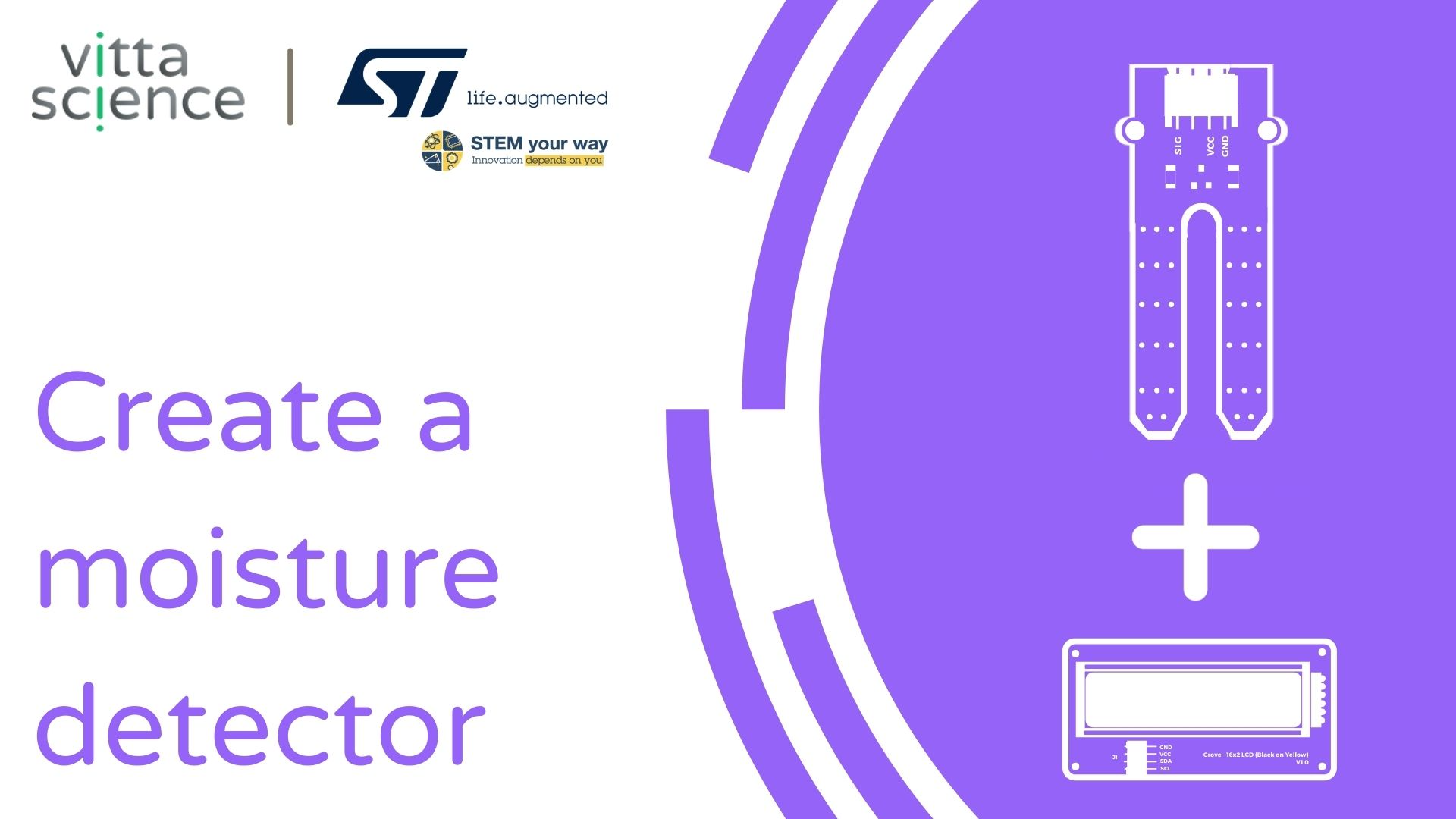
Combine the soil moisture sensor and display with the NUCLEO-L476 board

Water is an essential element for plant growth. How to know if the soil of your houseplants is not dry and so not forget to water them? 

Here is the connection to make the water detector for your plants: 
- Connect the Shield Grove to the connectors on the card. 
- Connect, using the Grove cable, the screen to one of the ports named I2C available.
- Connect the soil moisture sensor using the Grove cable to one of the analog ports. We will choose port A0.

Humidity-EN

Let's get to the programming now! 

The program that we are going to create will measure the water content of the soil of the plants and display a message on the screen to let you know that it is time to water. 

We are going to use several blocks:
- "if...then...else if....then" available in the Logic of the block locker. 
- " [LCD] display text ... on line 0 position 0 ", available in the Display of the blocks locker to manage the screen.
- "[Moisture sensor] soil humidity on pin A0", available in the Sensors, to retrieve the value of the module.
- "round ..." available in the Math.
- "transform the value (soil humidity sensor) from [ (sensor value in the air) to (sensor value in the water) ] to [0 to 100] available in the Math.


-if the value d humidity is less than 1024 then
display text "I'm thirsty" on line 0
display text "(round - transform value from 0 to 4095 to 0 to 100)%" on line 1
- otherwise
display the text "Everything is fine" on line 0
display the text "(round - transform the value from 0 to 2095 to 0 to 100)%" on line 1
- clear the screen

Use l following interface to create the water detector program: 


Launch the simulator to check the correct execution of your program or download it to the card. 

You succeeded ? Perfect, you now know how to program a water detector for plants using your NUCLEO-L476RG board! 
Discover the other activities of the Starter kit by clicking on the icons below.

User licence